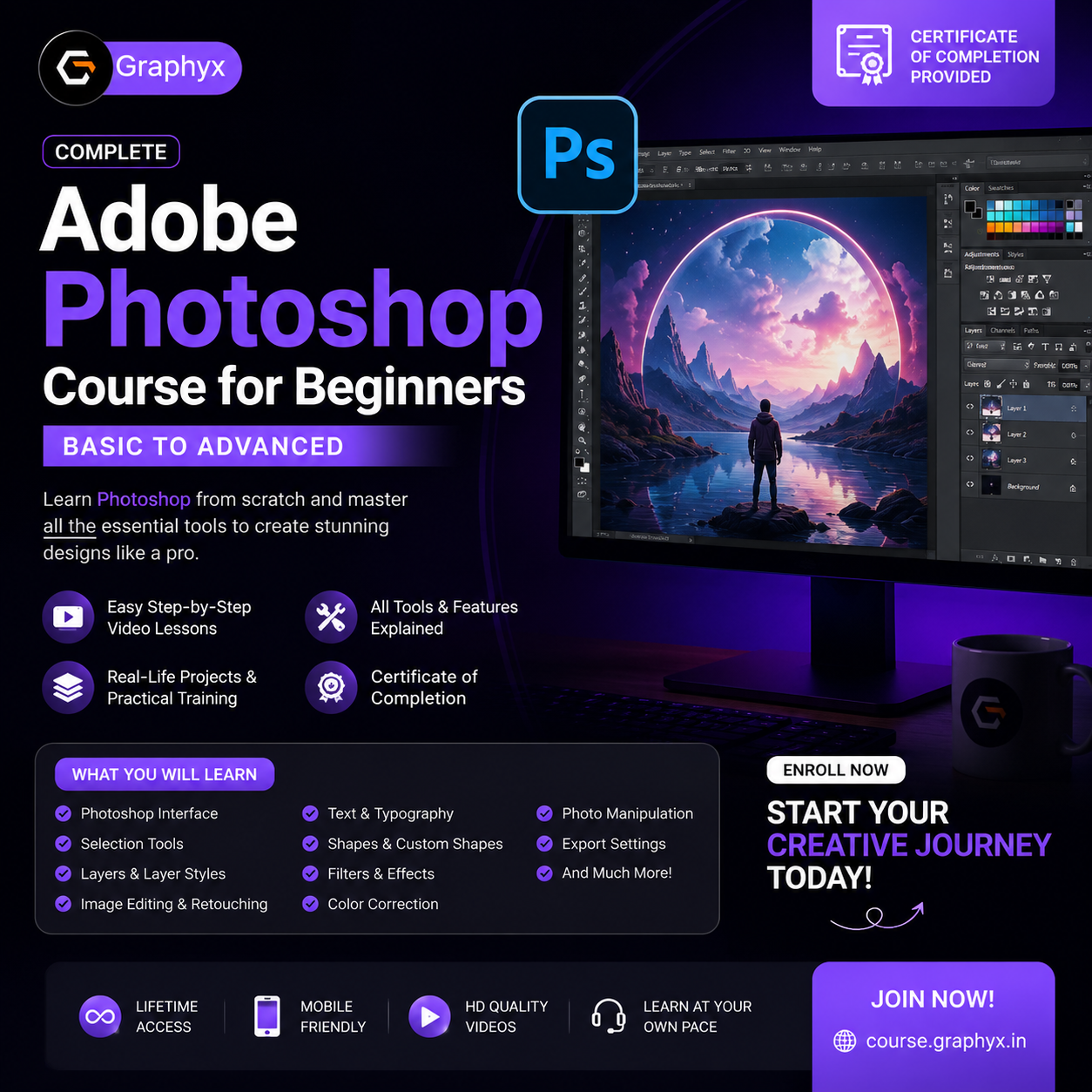

Welcome to the Adobe Photoshop Course for Beginners.
This course is specially designed for students, freelancers, graphic designers, digital marketers, content creators, and anyone who wants to learn Photoshop from the ground up.
Throughout this course, you will learn every essential Photoshop tool with practical demonstrations and real-world examples. Each lesson is kept simple so even complete beginners can follow along easily.
What You'll Learn:
• Photoshop Interface
• Document Setup
• Move Tool
• Selection Tools
• Crop Tool
• Shapes & Custom Shapes
• Text Tool
• Layers & Layer Styles
• Masks
• Smart Objects
• Brush Tool
• Clone Stamp
• Healing Tools
• Color Correction
• Image Retouching
• Filters
• Photo Manipulation Basics
• Exporting Images
• Professional Design Workflow
Who This Course Is For:
• Complete Beginners
• Students
• Graphic Designers
• Freelancers
• Social Media Creators
• Digital Marketers
• Business Owners
Requirements:
• Basic Computer Knowledge
• Adobe Photoshop Installed
• No Prior Photoshop Experience Required
By the end of this course, you'll be able to confidently use Adobe Photoshop to edit images, design social media posts, banners, posters, thumbnails, logos, and many other professional graphics.